PAGE 1 Operation manual ©ZOOM Corporation Reproduction or duplication of this manual without permission, in whole or in part, is prohibited. PAGE 2 H2n Handy Recorder Usage and safety precautions SAFETY PRECAUTIONS In this manual, symbols are used to highlight warnings and cautions that you must read to prevent accidents. The meanings of these symbols are as follows: Something that could.. ©ZOOM Corporation Reproduction or duplication of this manual without permission, in whole or in part, is prohibited.




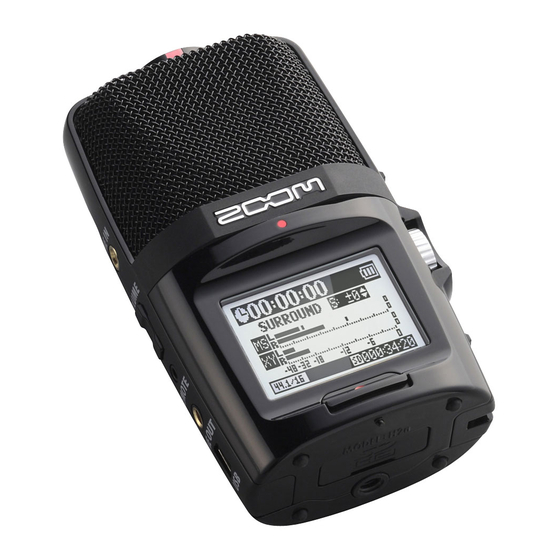
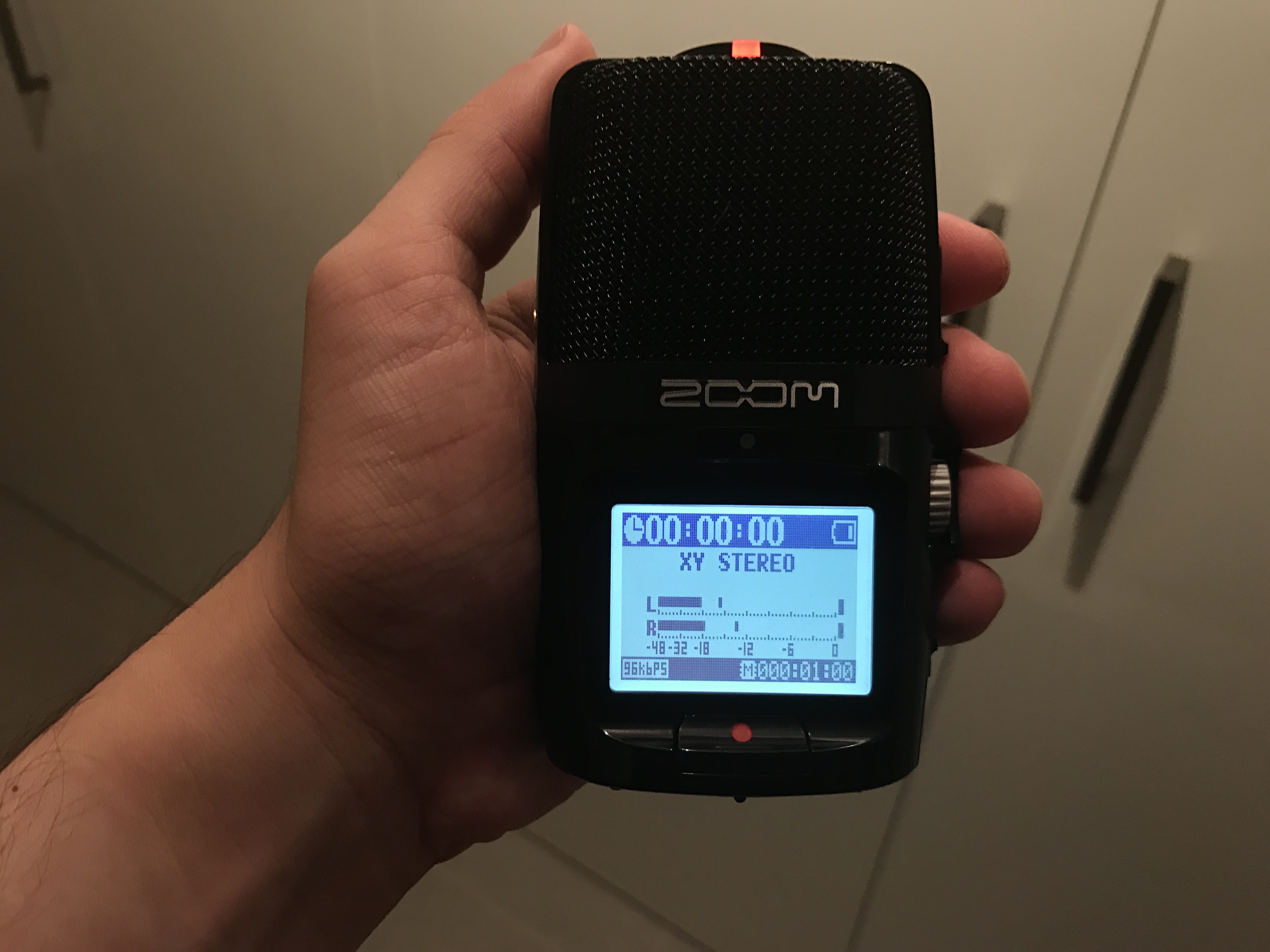

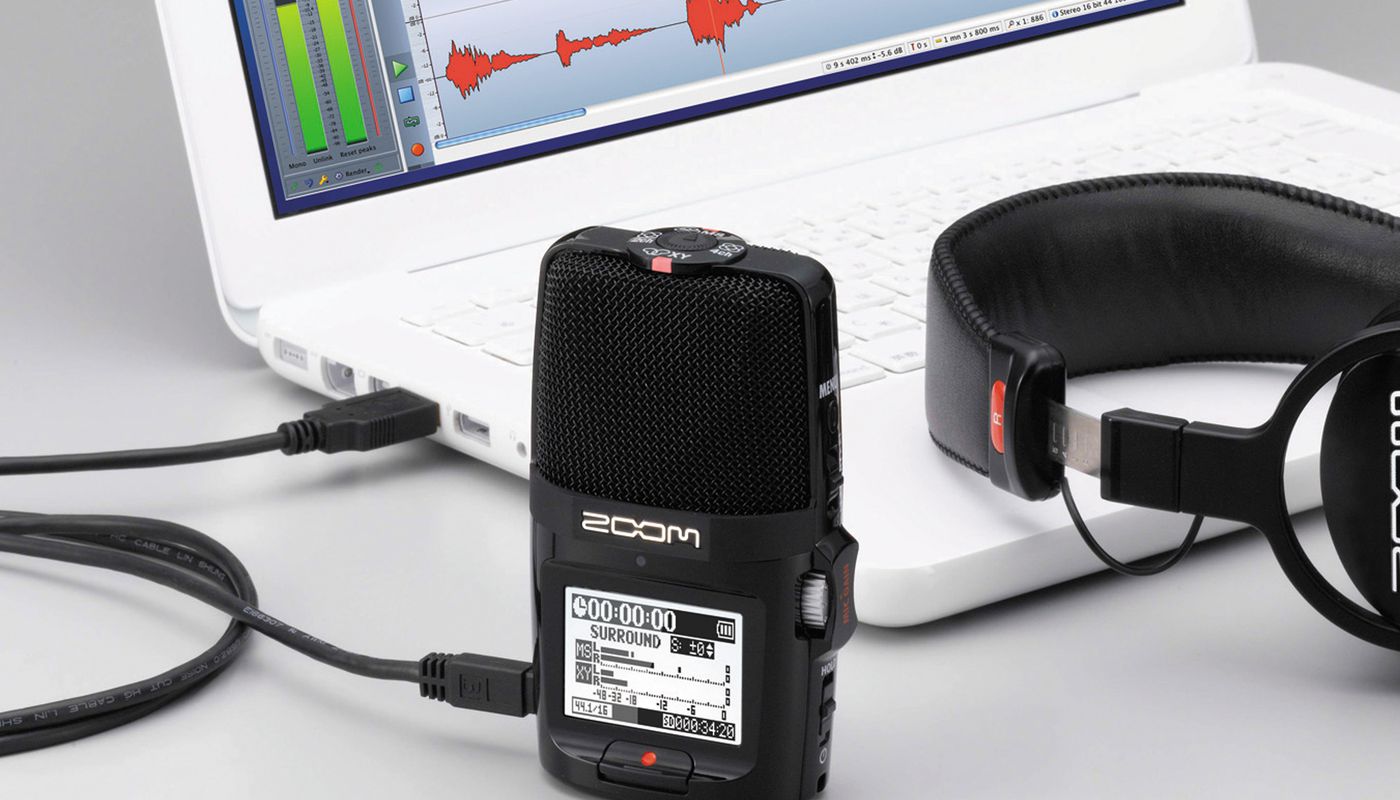


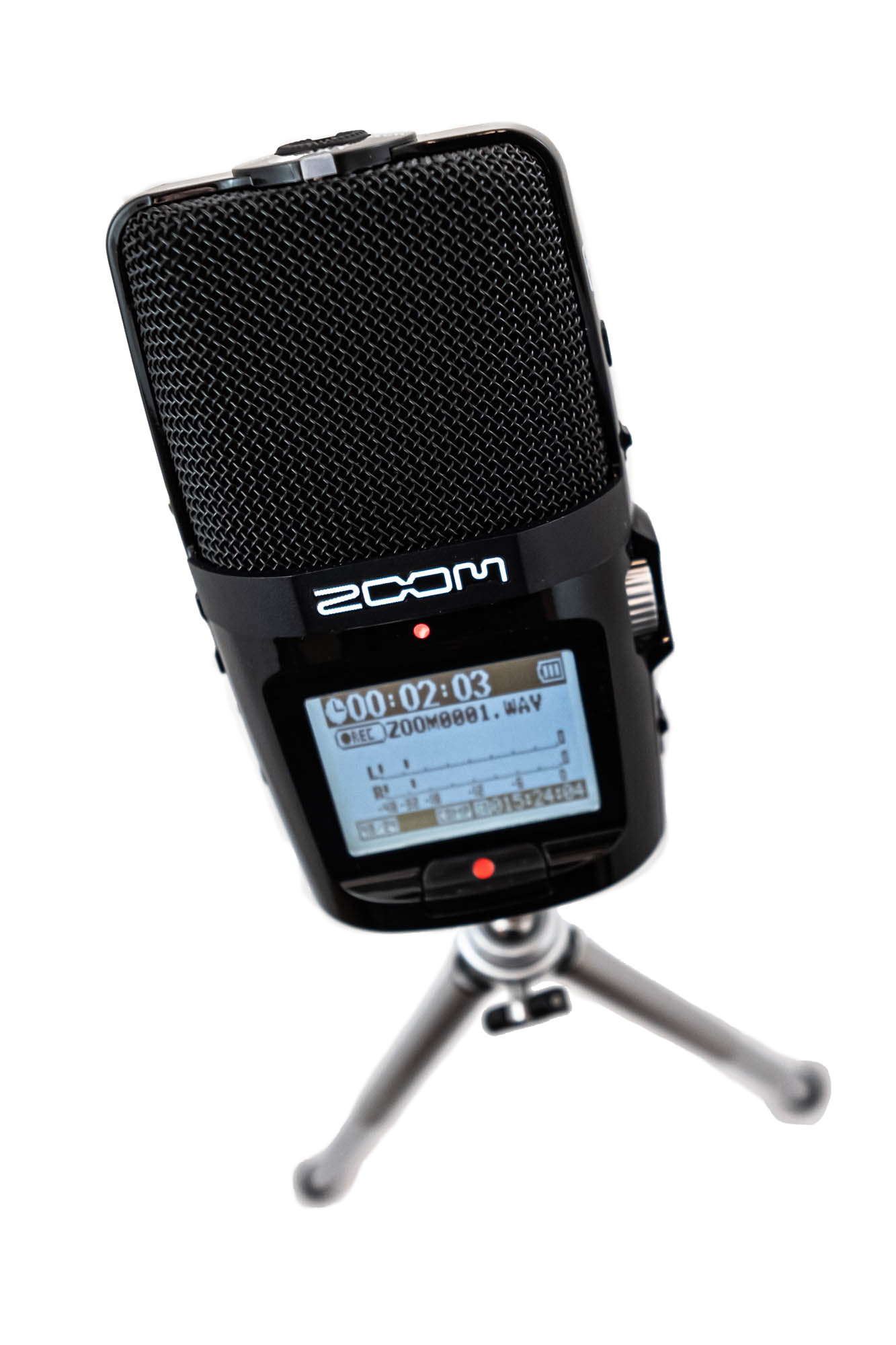

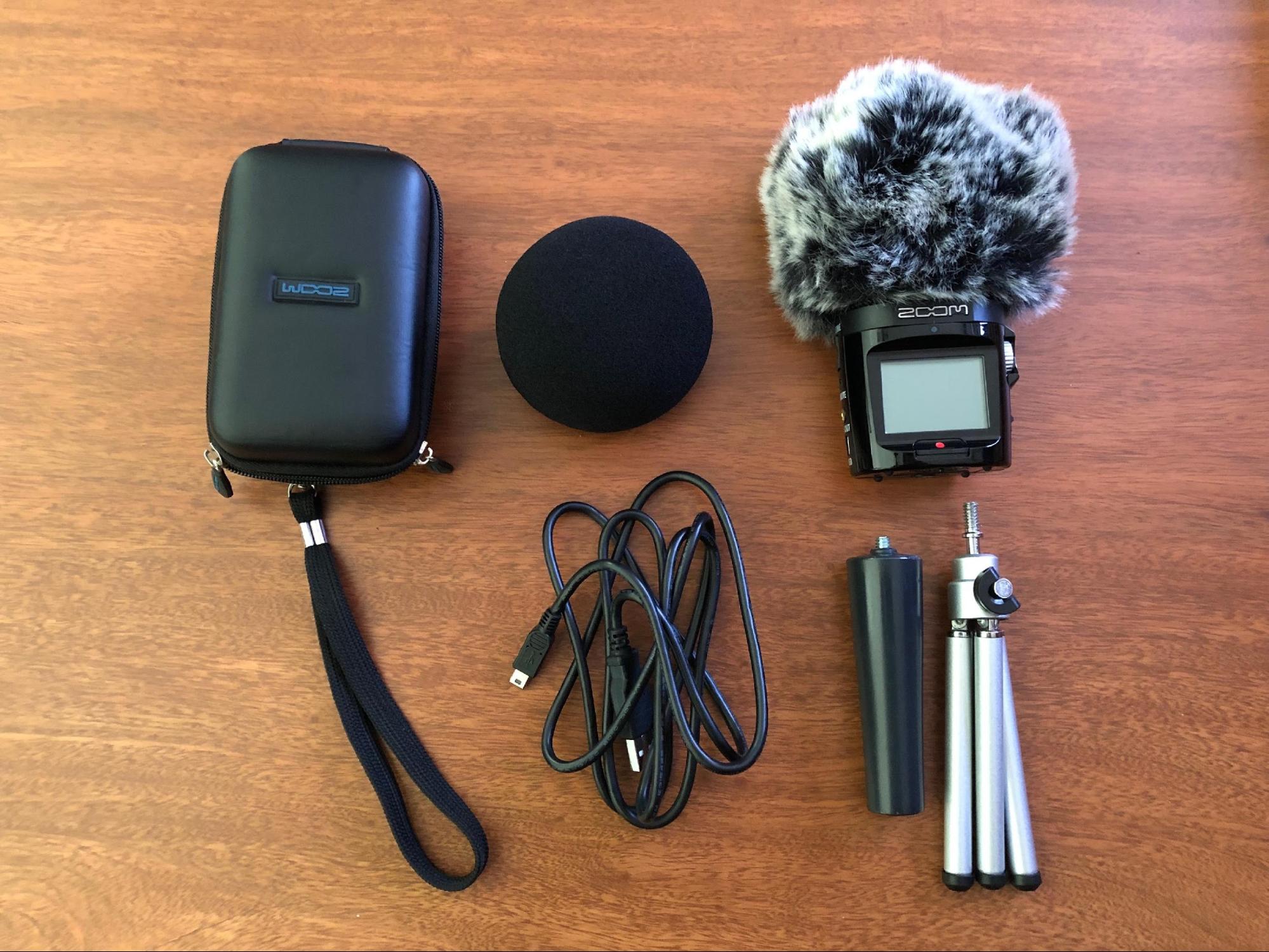
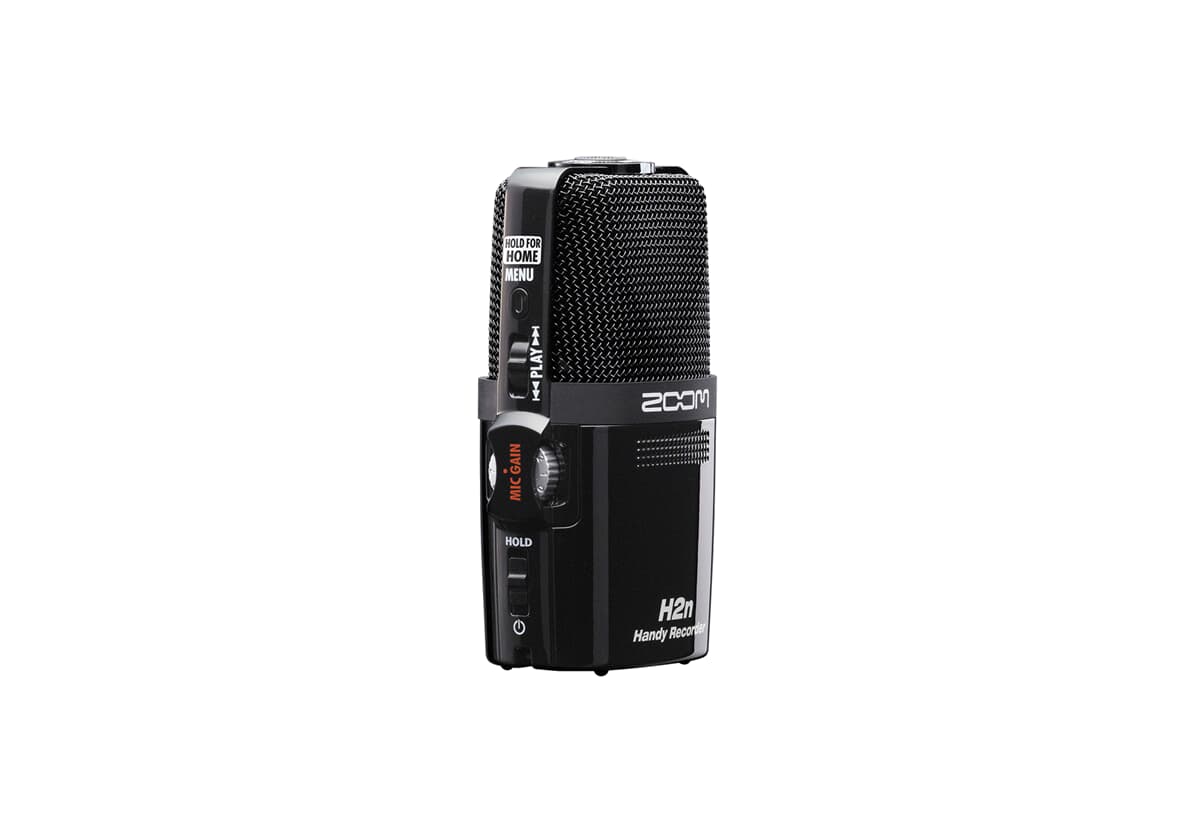

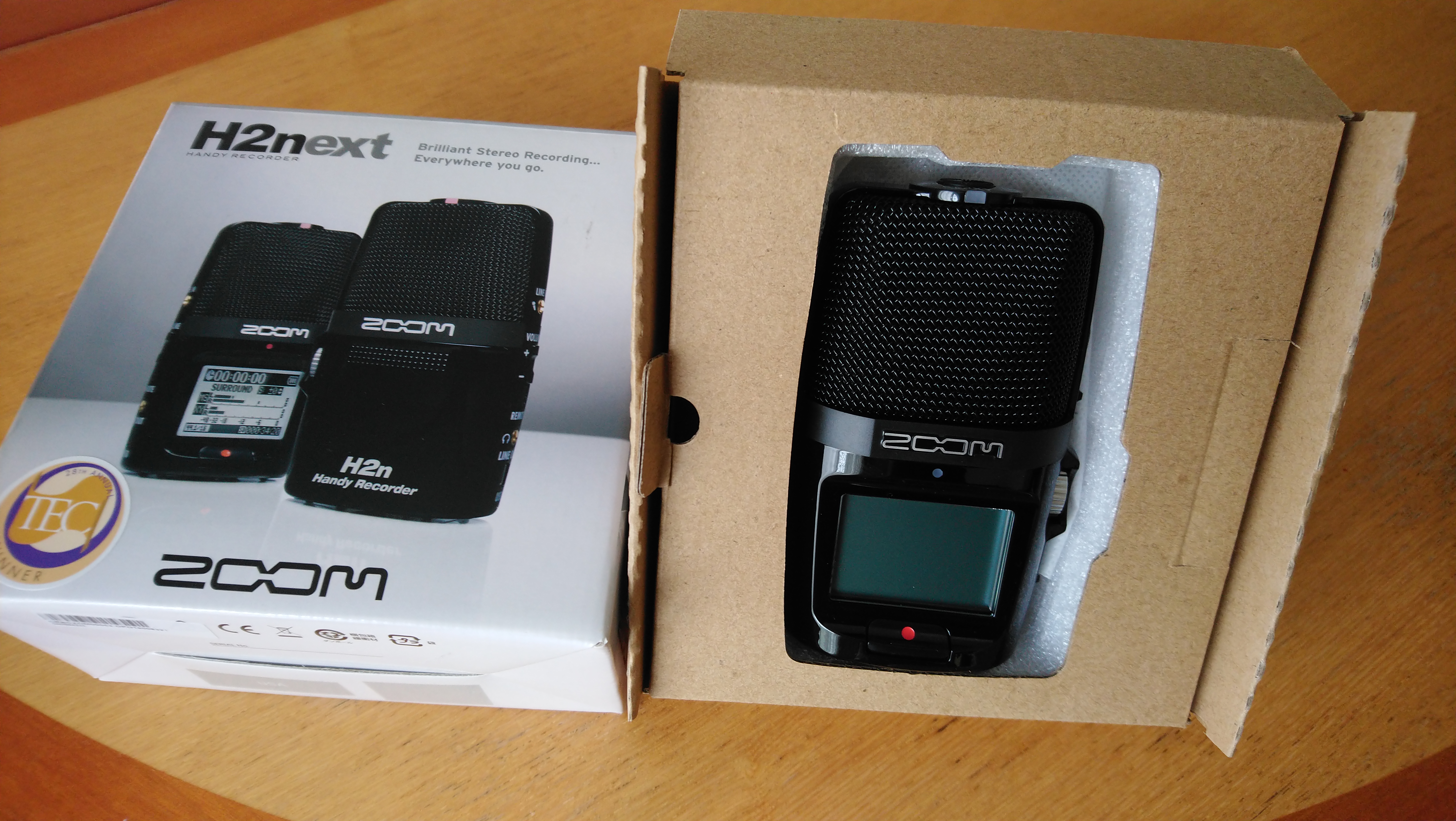

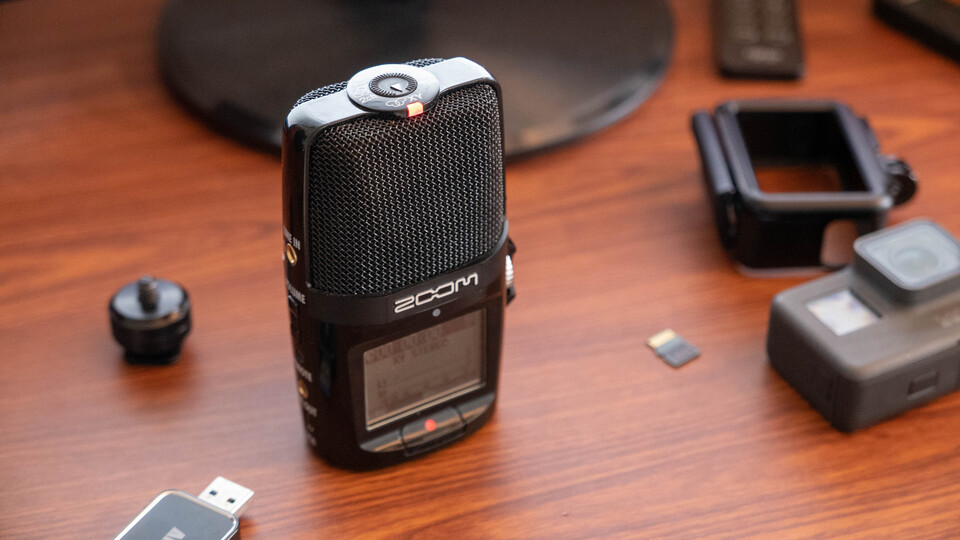
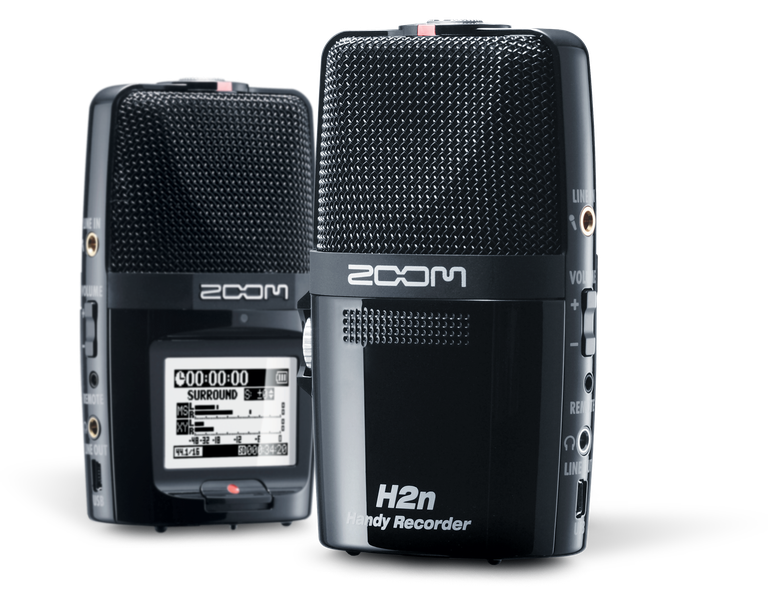

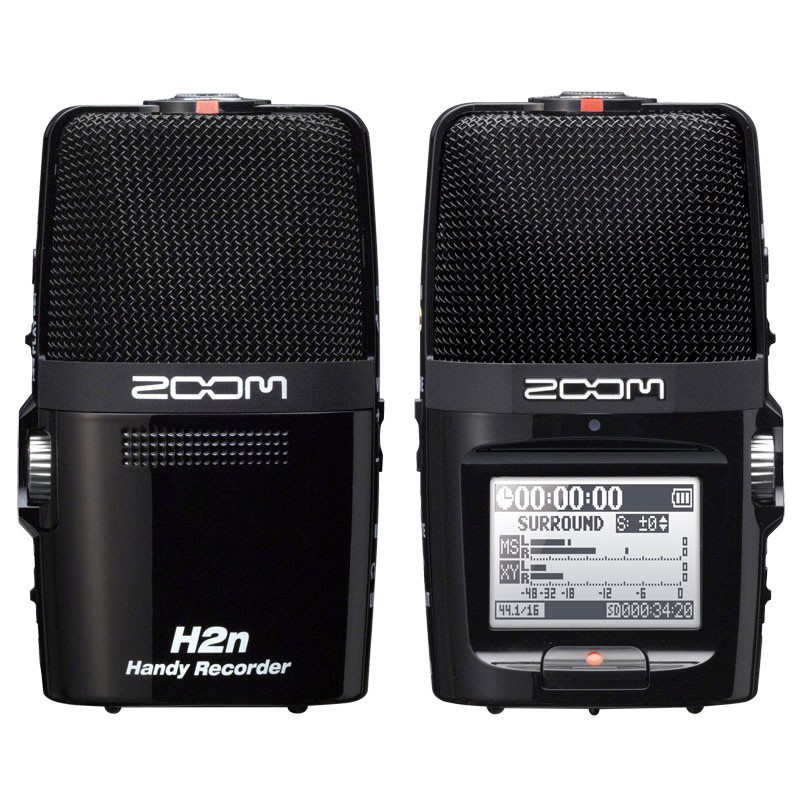

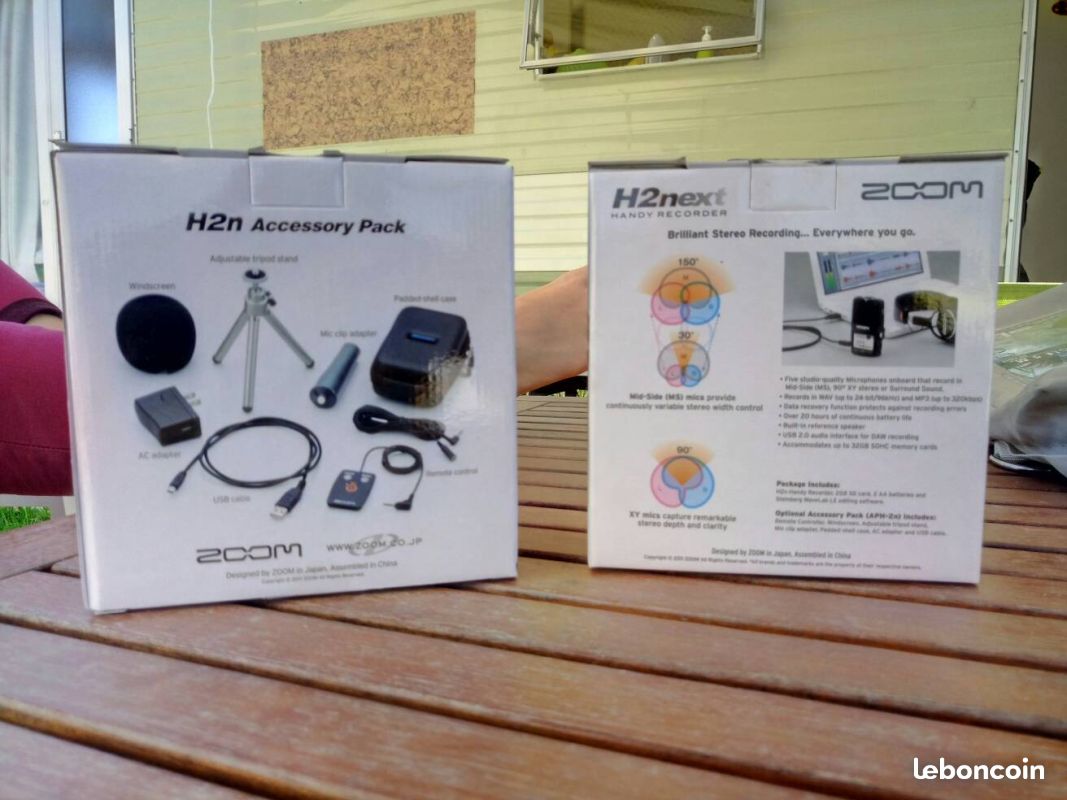
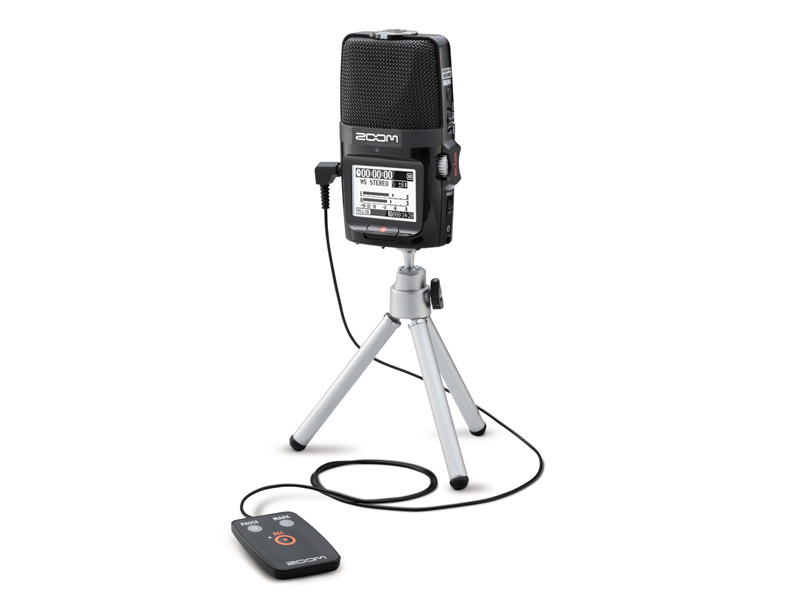
Zoom H2n Stereo/Surround-Sound Portable Recorder User Manual Table of Contents Getting Started Recording Modes External Inputs and Outputs Mounting Options Using the H2n as an Audio Interface or USB Microphone Troubleshooting Tips FAQs 1. Getting Started To begin using your Zoom H2n recorder, follow these steps: Insert two AA batteries into the battery compartment. Insert an SD or SDHC card.. The Operation Manual can be downloaded from the ZOOM website (www.zoom. jp/docs/h2n).