Online Manual - TS300 series - TS302 TS302a TS304 TS305 TS307 TS307a TS308 TS308t Setup Change Product. Notes on Wireless Connection (Appears in a new window) Important If printer is performing cleaning, print head alignment, or other processes, wait for the process to finish, before starting setup. If the Wireless lamp (B) on the printer is flashing, press the ON/Stop button (C).


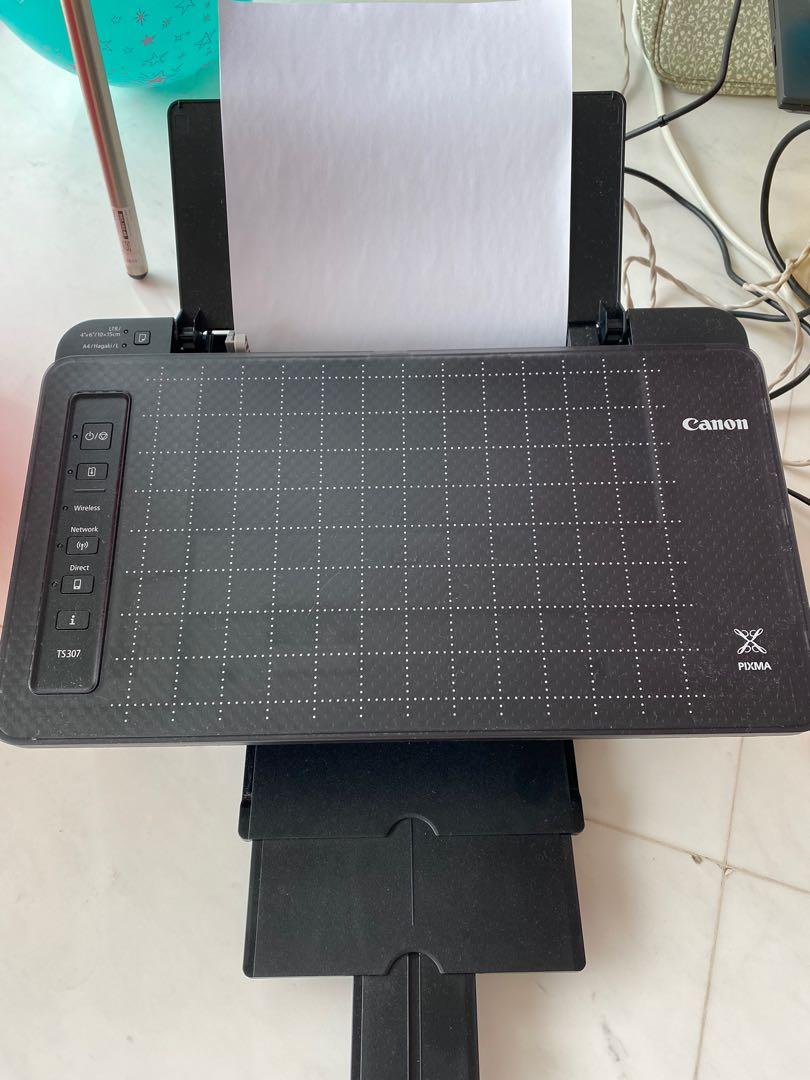









Easy wireless connect Press and hold the Direct button (A) on the printer until the Direct lamp (B) flashes.. Connect the printer to the network without using a cable.